Desktop Engineer Interview Preparation: Top Questions & Expert Tips
Desktop Engineer Interview Preparation: Top Questions & Expert Tips: Let’s break this into a practical prep plan.
Desktop Engineer Interview Preparation: Top Questions & Expert Tips: Description:
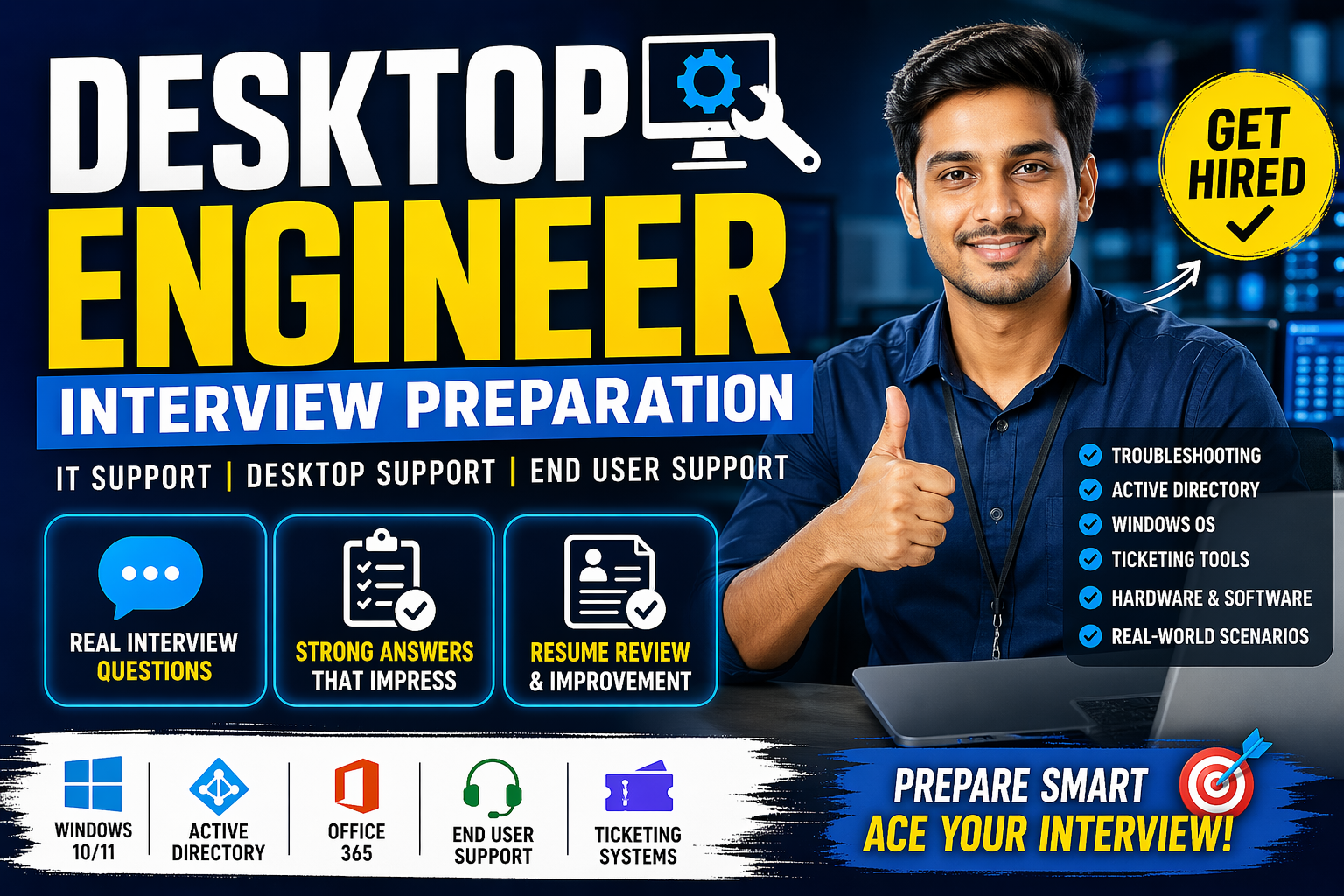
A complete guide to preparing for a Desktop Engineer interview, including commonly asked questions, practical answers, and expert tips to help you confidently crack your next job opportunity.
1. Understand What They Expect From You:
A Desktop Engineer role typically overlaps with IT support, so expect responsibilities like:
- Troubleshooting Windows/Mac issues
- Installing and configuring software/hardware
- Managing user accounts (Active Directory)
- Handling tickets (incident/request management)
- Supporting network basics (VPN, LAN, Wi-Fi)
- Remote support tools
If you already have IT/Desktop support experience, they’ll expect you to go beyond basic fixes and show structured thinking.
2. Core Technical Topics to Prepare:
🔹 Operating Systems (Very Important)
Focus heavily on:
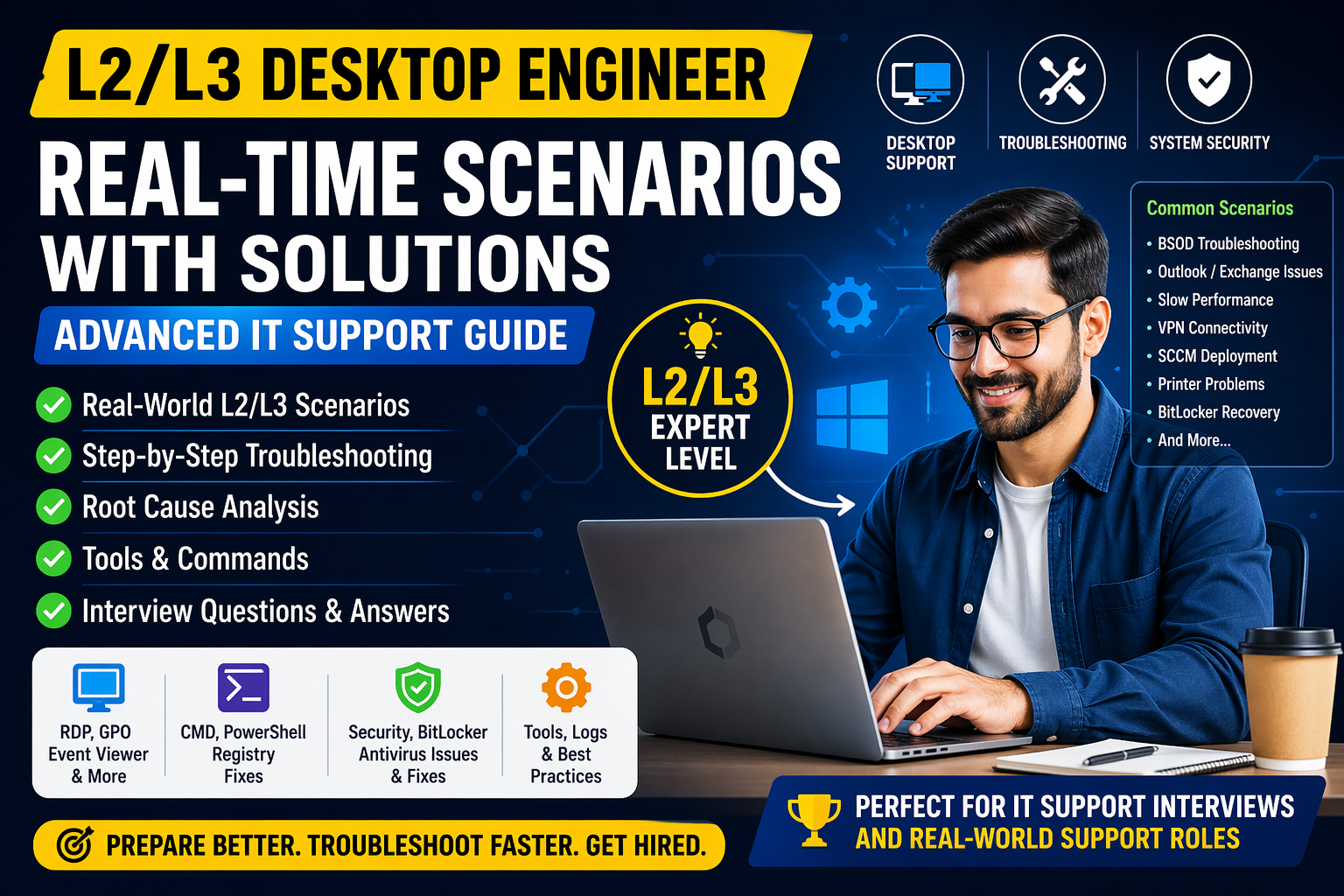
- Windows 10/11 troubleshooting
- User profiles, registry basics
- Boot issues (Safe Mode, recovery)
- Patch updates
________________________________________________________________________________________________________________________________________________________________________________________________
Be ready for questions like:
🔹User system is slow—what will you check?
- Check Task Manager → CPU/RAM usage
- Startup programs
- Disk space
- Malware scan
- OS updates
________________________________________________________________________________________________________________________________________________________________________________________________
🔹Active Directory (AD)
This is almost always asked.
🔹Key areas:
- User account creation, deletion
- Password reset/unlock
- Group policies (basic idea)
- OU structure
🔹Example:
🔹User cannot log in to domain—what will you do?
🔹Answer structure:
- Check network connection
- Verify credentials
- Check AD account status (locked/disabled)
- Try login on another machine
________________________________________________________________________________________________________________________________________________________________________________________________
🔹Networking Basics
🔹You don’t need deep networking, but basics must be solid:
- IP, DNS, DHCP
- ipconfig, ping, nslookup
- VPN troubleshooting
🔹Example:
🔹“User cannot access internet”
Steps:
- Check cable/Wi-Fi
- Check IP (ipconfig)
- Ping gateway
- Ping external site
- Check DNS
______________________________________________________________________________________________________________________________________________________________________________________________
🔹 Hardware Troubleshooting:
- RAM, HDD/SSD issues
- Peripheral devices (printer, keyboard)
- Laptop issues (battery, overheating)
________________________________________________________________________________________________________________________________________________________________________________________________
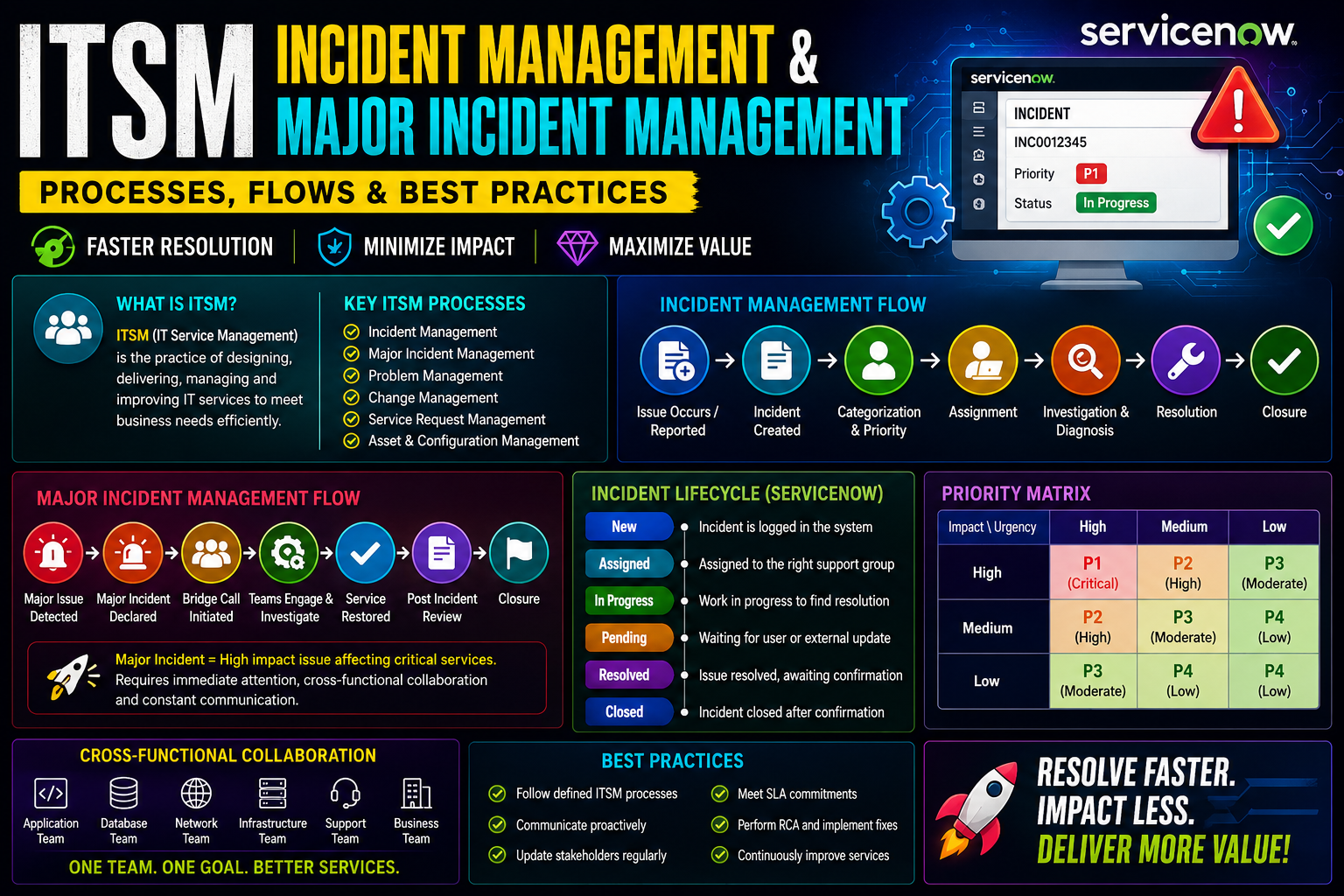
🔹 Ticketing Systems & ITIL Basics:
Mention if you’ve used tools like:
- ServiceNow
- Jira
- Remedy
Know:
- Incident vs Service Request
- SLA (Service Level Agreement)
________________________________________________________________________________________________________________________________________________________________________________________________
🔹 Remote Support Tools:
Examples:
- TeamViewer
- AnyDesk
- Remote Desktop (RDP)
________________________________________________________________________________________________________________________________________________________________________________________________
3. Behavioral & Scenario Questions (VERY IMPORTANT):
Recruiters love scenario-based questions:
Example 1:
User is angry and shouting. What will you do?
Good answer:
- Stay calm and professional
- Listen actively
- Acknowledge issue
- Assure resolution
- Fix or escalate
________________________________________________________________________________________________________________________________________________________________________________________________
Example 2:
You don’t know the solution. What will you do?
- Never say “I don’t know.”
- You have to say like:
- Try basic troubleshooting
- Check internal KB/docs
- Ask team or escalate
- Follow up with user
________________________________________________________________________________________________________________________________________________________________________________________________
4. How to Answer (This is where many fail)?
Use this structure:
👉 Listen → Analyze → Step-by-step solution → Prevent future issue
Avoid:
- Jumping to conclusions
- Giving random fixes
- Saying “restart system” immediately (unless justified)
________________________________________________________________________________________________________________________________________________________________________________________________
5. Prepare Your Experience Stories:
If you have IT support experience, prepare 4–5 strong examples:
- A difficult issue you solved
- Handling a tough user
- Working under pressure
- Meeting SLA deadlines
- Learning something quickly
- Use the STAR method:
- Situation
- Task
- Action
- Result
________________________________________________________________________________________________________________________________________________________________________________________________
6. Common Interview Questions to Practice:
Tell me about yourself (keep it technical-focused)
- What is Active Directory?
- Difference between DNS and DHCP
- What happens when you type a URL in browser?
- How to troubleshoot slow system?
- How to join a system to domain?
- What is VPN?
________________________________________________________________________________________________________________________________________________________________________________________________
7. Resume & Communication Tips:
Highlight:
- OS support (Windows/Mac)
- Tools used
- Ticket volume handled
- SLA performance
Speak clearly and simply (no over-complication)
Show confidence but don’t bluff—interviewers can tell quickly
________________________________________________________________________________________________________________________________________________________________________________________________
8. Final Tip (This matters a lot):
What separates average vs selected candidates:
👉 Not knowledge
👉 But how logically you troubleshoot and communicate
________________________________________________________________________________________________________________________________________________________________________________________________
🔹 1. Mock Interview (Real Questions + Strong Sample Answers):
✅ Q1: Tell me about yourself:
What they want: Clear summary + relevant experience
Strong Answer:
“I have X years of experience in IT Support/Desktop Engineering, mainly handling end-user support, system troubleshooting, and enterprise tools. I’ve worked with Windows environments, Active Directory, ticketing systems, and hardware/software issue resolution. Currently, I focus on improving resolution time and user satisfaction by diagnosing issues efficiently and documenting fixes. I’m now looking to grow into a Desktop Engineer role where I can take more ownership of infrastructure and endpoint management.”
________________________________________________________________________________________________________________________________________________________________________________________________
✅ Q2: How do you troubleshoot a system that is slow?
Answer structure (VERY important in interviews):
1. Identify
2. Analyze
3. Fix
4. Verify
Strong Answer:
“I start by checking system resources like CPU, RAM, and disk usage using Task Manager. Then I verify startup programs, background services, and malware presence. I also check disk health and system updates. If needed, I clean temporary files, disable unnecessary services, or upgrade hardware. Finally, I verify performance improvement with the user.”
________________________________________________________________________________________________________________________________________________________________________________________________
✅ Q3: What is Active Directory? What tasks have you done?
Strong Answer:
“Active Directory is a directory service used for managing users, computers, and policies in a domain environment. I’ve handled user account creation, password resets, unlocking accounts, group policy updates, and assigning permissions.”
________________________________________________________________________________________________________________________________________________________________________________________________
✅ Q4: What will you do if a user cannot log in?
Strong Answer:
“I check if the account is locked, password expired, or domain connectivity issue. Then I verify network access, reset password if required, and check Active Directory status. If it’s a system issue, I troubleshoot local profile or domain sync issues.”
________________________________________________________________________________________________________________________________________________________________________________________________
✅ Q5: What is a ticketing system?
Strong Answer:
“A ticketing system like ServiceNow or Jira is used to track and manage user issues. I use it to log incidents, prioritize based on SLA, update status, and document resolution steps.”
________________________________________________________________________________________________________________________________________________________________________________________________
✅ Q6: How do you handle difficult users?
Strong Answer:
“I stay calm, listen carefully, and acknowledge their issue. I communicate clearly about timelines and keep them updated. My goal is to resolve the issue while maintaining a positive experience.”
________________________________________________________________________________________________________________________________________________________________________________________________
✅ Q7: Difference between Desktop Support and Desktop Engineer?
Best Answer (important!):
Desktop Support: Focus on fixing user issues
Desktop Engineer: Focus on system design, automation, deployment, policies
________________________________________________________________________________________________________________________________________________________________________________________________
🔹 2. Resume Improvement (VERY IMPORTANT FOR SHORTLISTING)
Here’s how your resume should be structured 👇
✅ 🔥 Strong Resume Format for Desktop Engineer
1. Professional Summary (3–4 lines)
Example:
“Desktop Support Engineer with X+ years of experience in troubleshooting hardware, software, and network issues. Skilled in Active Directory, Windows OS, and ticketing systems. Proven ability to reduce downtime and improve user satisfaction.”
________________________________________________________________________________________________________________________________________________________________________________________________
2. Key Skills (Use Keywords — ATS Friendly)
- Windows 10/11 Administration
- Active Directory
- Office 365
- Hardware Troubleshooting
- Networking Basics (DNS, DHCP)
- Ticketing Tools (ServiceNow/Jira)
- Remote Support Tools
- SCCM / Intune (if applicable)
________________________________________________________________________________________________________________________________________________________________________________________________
3. Experience Section (Use Action Words)
❌ Weak:
“Handled user issues”
✅ Strong:
- Resolved 30+ tickets daily with 95% SLA compliance
- Managed user accounts in Active Directory
- Troubleshot hardware, OS, and application issues
- Provided remote and onsite support
- Installed and configured software and systems
________________________________________________________________________________________________________________________________________________________________________________________________
4. Add Metrics (This makes HUGE difference)
- Reduced downtime by 20%
- Improved ticket resolution time
- Supported 200+ users
________________________________________________________________________________________________________________________________________________________________________________________________
5. Certifications (If any)
- CompTIA A+
- Microsoft Certifications
________________________________________________________________________________________________________________________________________________________________________________________________
🔹 3. What Interviewers Expect (Reality Check)
Let me be direct — most candidates fail because:
- They give book answers
- No real examples
- Weak troubleshooting explanation
👉 You must show:
- Practical knowledge
- Real scenarios
- Clear thinking process
________________________________________________________________________________________________________________________________________________________________________________________________
 Join now and start building your first project today!
Make the next 30 days the most productive coding days of your life. By the end, you’ll not only understand JavaScript – you’ll be able to build almost anything with it.
Please Join in WHATSAPP GROUP
Please Join in TELEGRAM GROUP
If anyone have interest on GOVT jobs – Please click on this below link
GOVT JOBS